← Essays · November 26, 2026 · 12 min read
Digital Family Archive: How to Build One That Lasts
Build a digital family archive that holds more than photos: how to gather, digitize, label, back up and turn memories into stories your family can keep.
Digital Family Archive: How to Build One That Lasts
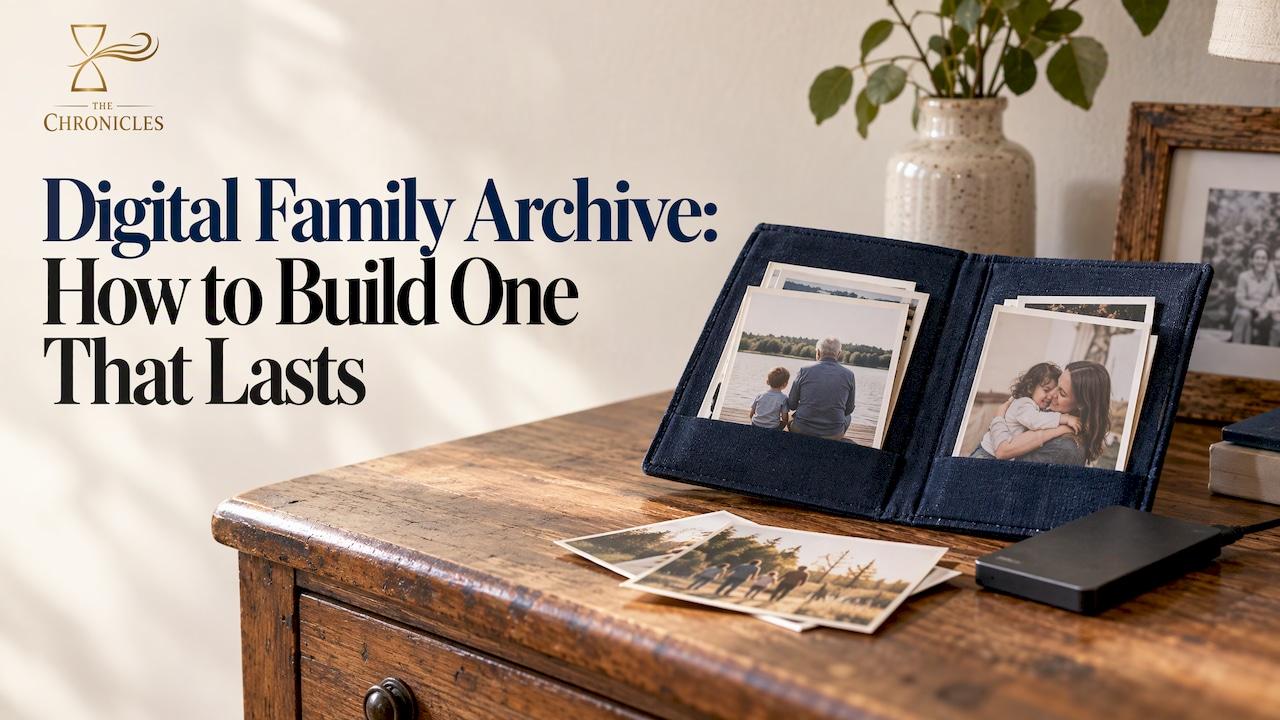
A digital family archive is one safe, organized place where your photos, documents, recordings and, most of all, the stories behind them are kept for the people who come next. The files matter. The names, dates and memories attached to them matter more, because those disappear first. We built The Chronicles to hold that part: turn your photos and short memories into written chapters that the whole family can read, hear and eventually print.
TL;DR
- Start small: choose the few things you would most regret losing, not everything in the attic.
- Capture context now. Names, dates, places and stories fade long before the photographs do.
- Scan photos as high-quality master files, name them by date, and follow the 3-2-1 backup rule.
- Turn the archive into chapters and a printed book, so it gets read and not just stored.
- Invite relatives to add their own memories, including those who are not comfortable with technology.
Table of Contents
- What a digital family archive holds
- Step 1: Decide what matters most
- Step 2: Gather the stories and the context
- Step 3: Digitize the originals
- Step 4: Name and organize so you can find things
- Step 5: Back it up so it survives
- Step 6: Turn the archive into stories people will read
- Keep it growing without burning out
- Start your family's Chronicle
- FAQ
- Sources
What a digital family archive holds
Most people picture a folder of scanned snapshots. A good archive is wider than that. It can hold:
- Photographs and slides, scanned from prints or saved from phones.
- Documents: certificates, letters, diplomas, military papers, recipes in someone's handwriting. The Library of Congress suggests collecting items such as family bibles, certificates, diplomas, discharges and letters because they help confirm the facts of a life.
- Audio and video: home movies, voicemails, a grandfather telling the same joke at every holiday.
- Stories: who is in the picture, what happened that day, why that coat was so important.
That last item is what turns a pile of files into a family history. Stevens Institute of Technology archivist Loscutoff makes the point that stories, names and context vanish long before photos and documents do, which is why the capturing should happen while the people who remember are still here to tell you.
Step 1: Decide what matters most
The University of Michigan Library frames the first act of preservation as selection. Ask what you would most regret losing if every device crashed tomorrow. It recommends focusing on a small collection of irreplaceable memories rather than saving everything, since trying to save it all burns families out.
A practical way to begin:
- Pick one person, one branch of the family or one era. Grandma's kitchen years. Dad's Navy letters. The first year of your baby's life.
- Group the physical items by format: prints, slides, papers, tapes.
- Put the most fragile first: faded photographs, old tapes, anything on a failing drive.
A finished small archive is worth more than an enormous one you never complete. You can always add the next branch later.
Step 2: Gather the stories and the context
This is the step most guides rush, and it is the one you cannot redo later.
The Library of Congress advises interviewing living relatives and family friends and asking for full names, complete dates and detailed locations for every person and event, then captioning photographs with who, when, where and what was happening. The National Archives gives the same short formula for digital files: record the who, what, where and when for each item so it can be found and recognized later.
A few ways to make this feel like a conversation and not a form:
- Sit down with one photo and ask, "Tell me about this day." Write down or record the answer.
- Ask about the small things: what the house smelled like, who sat where at dinner.
- If the relative lives far away or is not comfortable with computers, a guided interview by email is gentler than a video call. On The Chronicles, relatives can contribute through guided emails without needing a login, which means Grandpa only has to hit reply.
If you do not know a date or a name, write "unknown" instead of guessing. A guess hardens into fact in the next generation.
If your parent is in a nursing home or memory unit
The window can be short, and that is exactly why a few unhurried visits with one photo at a time work better than a big project. Bring a handful of prints, let your parent lead, and capture what comes. Even a fragment, such as a nickname or the name of a street, is worth saving. You are not trying to build a perfect record. You are keeping the voice and the details that only they have.
Step 3: Digitize the originals
Here is what the major guides recommend, in plain terms.
| Item | Recommended approach | Source |
|---|---|---|
| Prints | Scan at 600 dpi and save as TIFF for long-term keeping, with JPEG copies for sharing | Family Tree Magazine |
| Slides and negatives | Scan at 2400 dpi | Family Tree Magazine |
| Letters and documents | A smartphone is enough | Stevens Institute |
| Photographs | A flatbed scanner | Stevens Institute |
| Older video and audio | A professional service | Stevens Institute |
Two habits protect the quality of what you scan. First, save an uncompressed master. The New York State Archives recommends uncompressed TIFF or JPEG2000 as master copies to avoid compression loss, and then smaller JPEG or GIF "use copies" for email and the web. Second, keep the physical originals. The National Archives advises that the digital version is a surrogate that can be shared without handling the original, so the original stays safe.
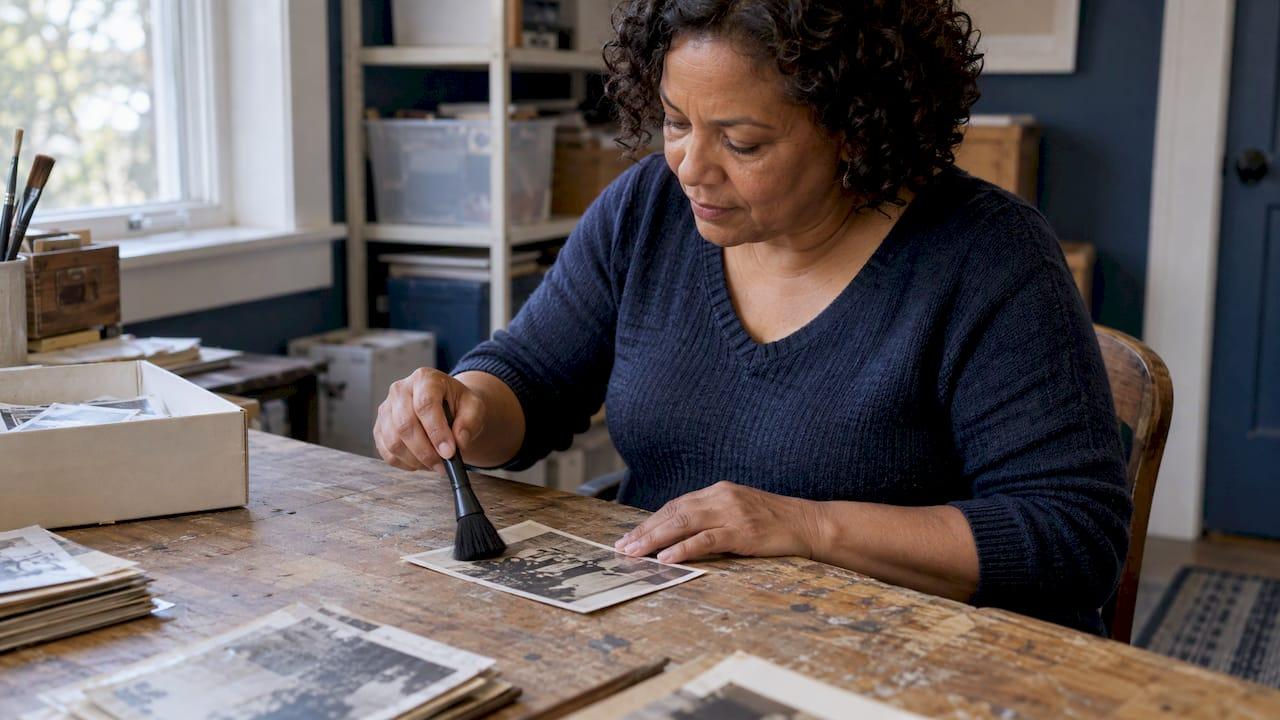
Before scanning prints, Family Tree Magazine suggests cleaning them gently with a rubber blower or an anti-static brush. Dust shows up on a scan, and it is easier to remove first.
Step 4: Name and organize so you can find things
A scan called IMG_4471 tells your grandchildren nothing. Two simple rules fix that.
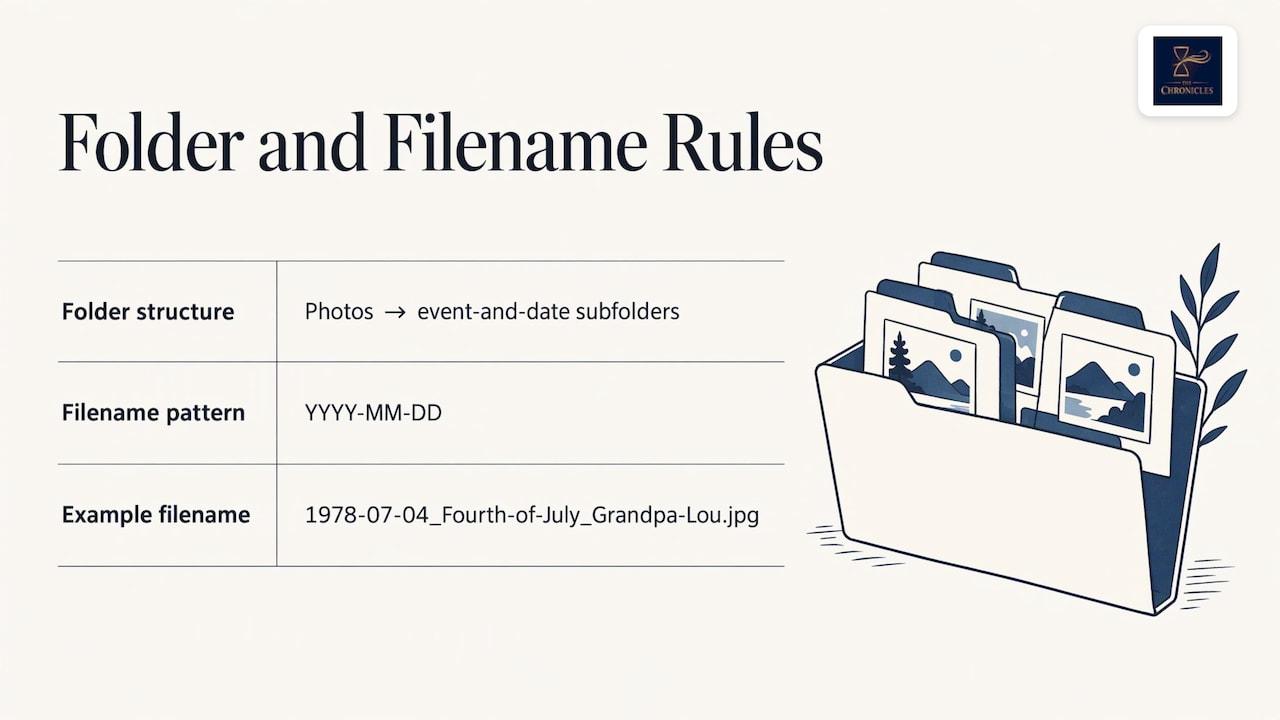
Folders. The New York State Archives suggests clearly labeled folders and subfolders, for example a "Photos" folder with a subfolder for each event, named with the event and date.
File names. Stevens archivists recommend naming files in YYYY-MM-DD format so they sort chronologically on any computer. A name like 1978-07-04_Fourth-of-July_Grandpa-Lou.jpg is readable by anyone, in any decade.
If you want a calm, step-by-step walk through the sorting itself, our guide to organizing family photos takes it one small session at a time.
Step 5: Back it up so it survives
A single cloud account or a single hard drive is not an archive. The University of Michigan Library states the 3-2-1 rule: three copies, on two different types of storage, with one stored in a different location. It also suggests checking your storage once a year by opening a few random files, and moving to new media every five to seven years.
Some details worth knowing:
- Where not to store backups. The New York State Archives says to keep backup copies in a climate-controlled place outside the home, never a basement, attic or garage, and away from magnetic fields.
- Syncing is not backing up. Ron Snyder of Spartina notes that many losses are deletions and corruption that sync spreads to every copy, so keep one copy offline some of the time or use storage with version history you can roll back.
- Social platforms are not safe deposit boxes. Buncombe County Special Collections warns that cloud and social platforms compress files and may delete content from inactive accounts. The same manual suggests including your digital legacy in a will or estate plan, so someone knows where everything lives and how to get in. An estate attorney can help you word that.
- Technology moves. Stevens archivist Houghtaling's rule of thumb is "Lots of Copies Keep Stuff Safe", along with migrating files to newer storage and formats as technology changes.
New parents often build an archive in the same weeks they are setting up a small nursery setup for new parents. Those first-year photos are the ones you will least want to lose, so give them a second copy from the very first month.
Step 6: Turn the archive into stories people will read
An archive that nobody opens is a storage unit. The families who keep theirs alive give it a shape: chapters, a voice, a book on the coffee table.
This is where The Chronicles fits. You add a photo and a few lines of memory, and the platform uses AI to turn them into a written chapter. Relatives can add their own memories to the same family collection, and you can add real voice narration, including consented voice cloning, so a story can be heard as well as read. When you are ready, you can order a customizable print book. Our guide to a digital family scrapbook shows how photos become stories, and our piece on preserving family stories before they are gone covers the interview side.
For a loved one you have lost
Grief makes organizing feel impossible, and that is fine. Start with the photographs you cannot stop looking at, add a sentence or two about each, and invite the family to add theirs. A memorial memory book can grow into one shared Chronicle where everyone who loved them contributes, over weeks or years.
For a baby book
You do not need to catch every milestone. One photo and one sentence a week, such as what made you laugh, becomes a first-year story you will be glad you wrote down.
Keep it growing without burning out
Build a tiny routine: one scanning session a month, one story a week, one yearly check of your backups. Add a family member each season. The goal is a living archive that gets a little richer each year, not a project that ends in exhaustion.
Our view on a digital family archive
Over the years the same thing keeps coming up for us: families do not lose their history because the files vanish. They lose it because nobody wrote down what the files meant. A photo of a woman in a yellow dress is just pixels until someone says that was Aunt Ruth, the summer she learned to drive.
That is why we think an archive should be built around stories. Our platform is designed so you can start with one photo and a few words, let the family add more, and end up with chapters you can read, hear and hold. We pledge that your stories are never used to train AI, you own what you write, and you can export it easily. There is no lock-in and no ads.
Storage keeps the files safe. Stories keep the family in them.
Kevin
Start your family's Chronicle
If you are ready to turn your scans and memories into chapters, The Chronicles has a Free plan at $0, a Chronicle plan at $7 per month and a Family plan at $15 per month. When you want something to hold, printed books start at $49 for a Paperback and $99 for a Hardback, ordered separately. You can see the plans and begin here, or look at the printed book options.
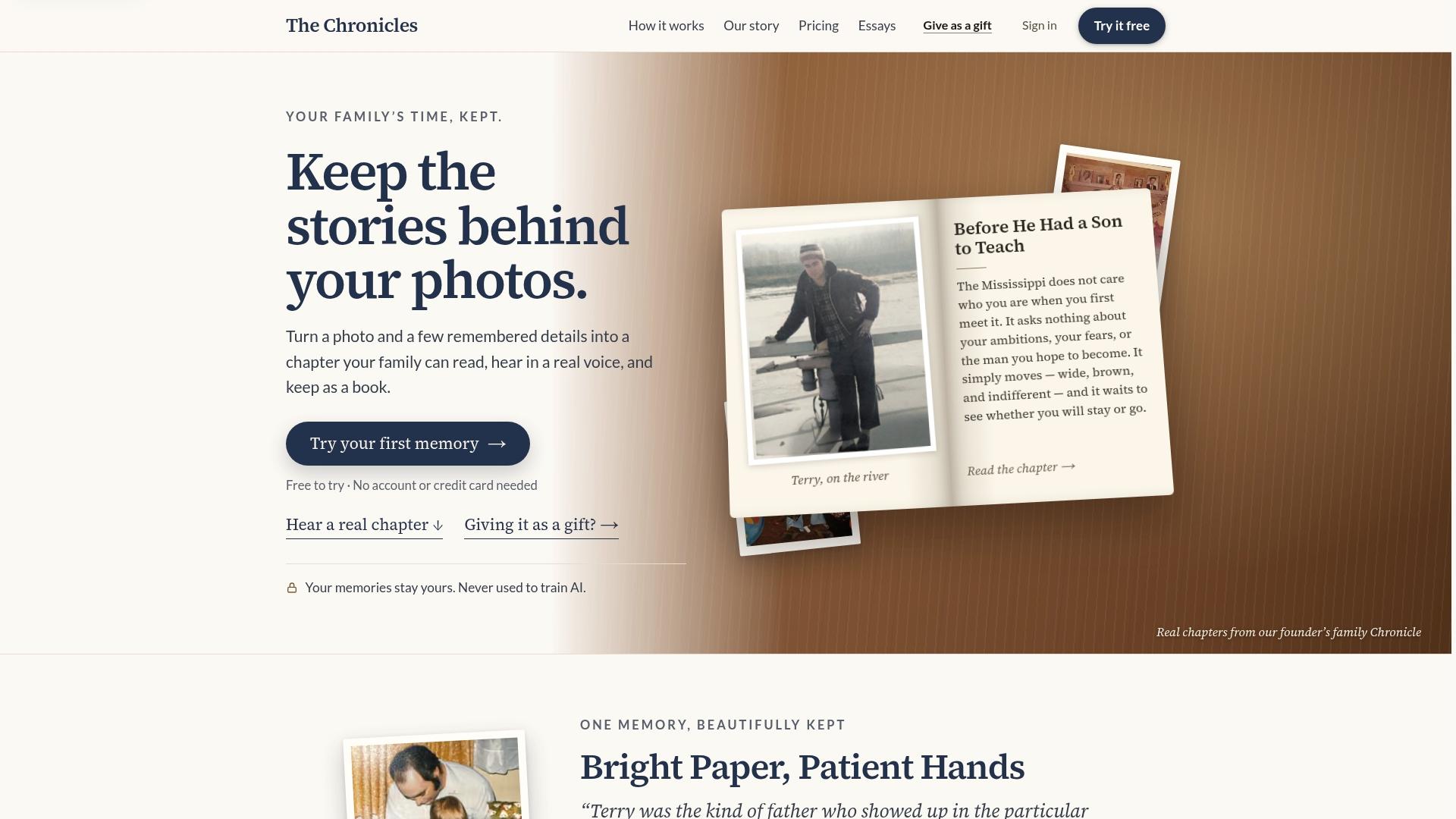
If you are building a book for the whole family over time, the family legacy book is designed to grow as more people add to it.
FAQ
What is a digital family archive?
It is a organized, backed-up collection of your family's photos, documents, recordings and stories, stored digitally so they can be found and shared. The best ones also record who, what, where and when for each item, so the meaning survives along with the file.
How many backup copies do I need?
The 3-2-1 rule from the University of Michigan Library calls for three copies on two kinds of storage, with one kept in another location. Check them once a year by opening a few files.
Should I throw away the original photos after scanning?
No. The National Archives advises keeping the originals after you make digital copies. The copies let you share and view without handling the fragile prints.
What if my parent cannot use a computer?
Use conversation instead. Sit with them and a few photos, or send guided questions by email. On The Chronicles, relatives can contribute through guided emails without logging in, so they can share memories simply by replying.
Sources
- Genealogy Basics, Library of Congress
- Digitizing Family Papers and Photographs, National Archives
- How to Build a Family Archive, Stevens Institute of Technology
- 5 Steps to Digitizing Your Photos and Records, Family Tree Magazine
- Digital Media, New York State Archives
- Getting Started with Digital Archiving, University of Michigan Library
- Personal Archiving Backpack manual, Buncombe County Special Collections
- A Personal Digital Archive, Spartina
Recommended
From the founder
Start your first chapter — three minutes, no account.
Drop in a photograph of someone you love. Write three sentences about a moment with them. The Chronicles writes the chapter.
Try it free →Questions or thoughts? kevin@thechronicles.life — I read everything.